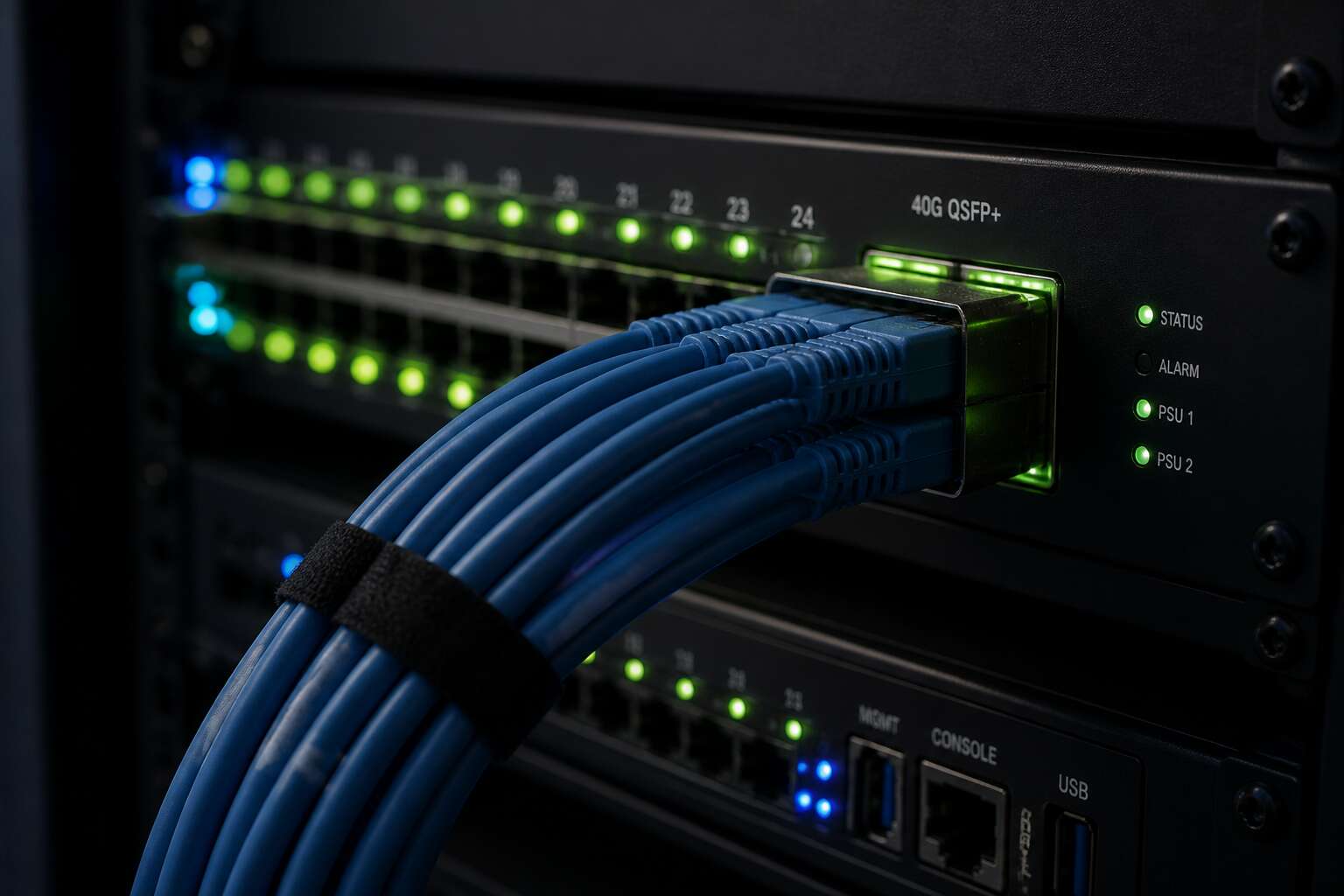
Understanding Trunking Basics
In South Africa’s expanding fibre landscape, trunking in networking quietly carries more data than most people realise. A single physical cable can behave like many separate lanes, each with its own identity.
A trunk aggregates traffic from several virtual networks onto one link. It uses tags to keep every stream distinct, so no data gets muddled. This approach saves hardware and simplifies management.
- Encapsulates VLAN information
- Enables cross-switch communication
- Preserves network segmentation
For South African businesses, this translates to faster deployments and lower costs. I have seen networks double their efficiency simply by embracing trunking in networking.
Types of Trunking in Networking
A single trunk can carry thousands of distinct virtual circuits through one cable. Trunking in networking makes this possible, and its types define how traffic behaves. VLAN trunking, using IEEE 802.1Q, tags each frame for segregation. Port trunking, or link aggregation, merges physical links for speed and resilience.
- VLAN trunking for logical separation
- Port trunking for bandwidth aggregation
- TDM trunking for legacy voice
TDM trunking, once vital for voice, now yields to fibre. I find that knowing these variants saves countless hours!
Trunking Protocols and Standards
Trunking in networking relies on protocols that most people will never see, let alone configure. That is a shame, because these standards do the heavy lifting. The usual suspects include:
- IEEE 802.1Q, which tags packets with VLAN identifiers to keep different traffic streams separate.
- LACP, the IEEE standard that lets switches negotiate link bundling automatically.
- PAgP, Cisco’s proprietary take on link aggregation, for those who prefer vendor lock-in.
Each protocol has quirks. LACP is the closest thing to plug and play that trunking gets. PAgP delivers similar features but demands Cisco hardware. 802.1Q works underneath both, keeping your voice traffic away from your file transfers. Effective trunking in networking depends on getting these details right. Get them wrong, and you have built a faster way to fail.
Configuring and Managing Trunks
There is a moment every network engineer in Johannesburg recognises. The trunk configuration looks perfect on paper. All VLANs are assigned, the ports are active. Yet traffic still disappears somewhere between the switch and the core. Trunking in networking always feels straightforward until it isn’t.
I have spent many late nights tracing these silent failures. The culprit is often not the trunk itself but the way it is managed. A trunk does not stay static. It adjusts to new endpoints, security policies, and link negotiations.
Consider these recurring checks when managing trunks:
- Verify that both ends agree on the exact native VLAN.
- Check whether pruning is limiting valuable broadcast traffic.
- Inspect the port-channel consistency across member links.
Forgetting any of these turns a stable trunk into a likely point of failure. In South Africa, where network resilience is often stretched by power and connectivity challenges, this separates strong infrastructure from a daily scramble.
Troubleshooting and Monitoring Trunk Links
Trunking in networking is the backbone of most enterprise LANs, but trunk links often fail in quiet, unspectacular ways. I have spent hours chasing connectivity gremlins that turned out to be a single misconfigured allowed VLAN list. The signs are subtle: intermittent drops, slow application response, or odd spanning tree behavior.
Monitoring means watching the counters, not just the link state. Track CRC errors, discards, and CDP or LLDP neighbor changes. Set a baseline and alert when anything drifts. And always check the native VLAN, since it is the source of many silent failures.
- Confirm trunk encapsulation on both endpoints.
- Verify allowed VLANs after every change.
- Watch for spanning tree topology changes.
Troubleshooting a trunk link is methodical. Check the physical layer first. Cables, ports, and optics. Then move to the logical side. Step by step, you will find the fault.




0 Comments